
Flashcards for iPhone
Photograph a page, get flashcards.
Snap a page of your Japanese textbook, a worksheet or a letter from school. Hinto turns it into cards with readings and meanings, right on your iPhone. Then study a few minutes a day.
Coming soon to the App Store
Free. No account. No tracking.
Verb
おぼえる
覚える
to memorise, to learn by heart
Scan → cards
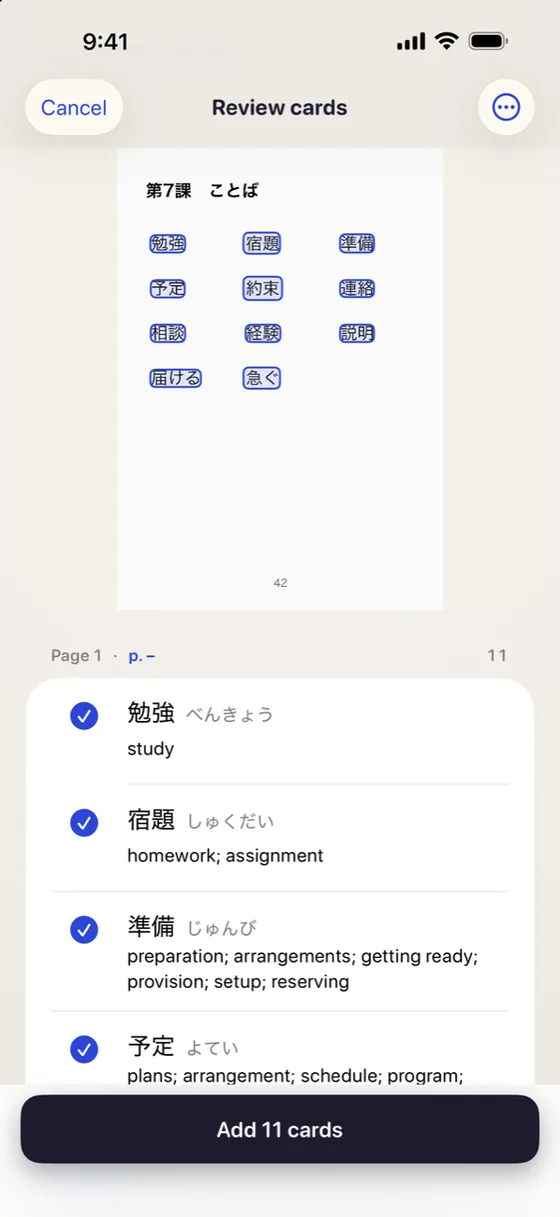
From a page to a deck
Scan pages, pick photos or open a PDF. Hinto reads each page and drafts a card for every word or question. Check them, fix anything you like, and add them to a deck.
Ready-made decks
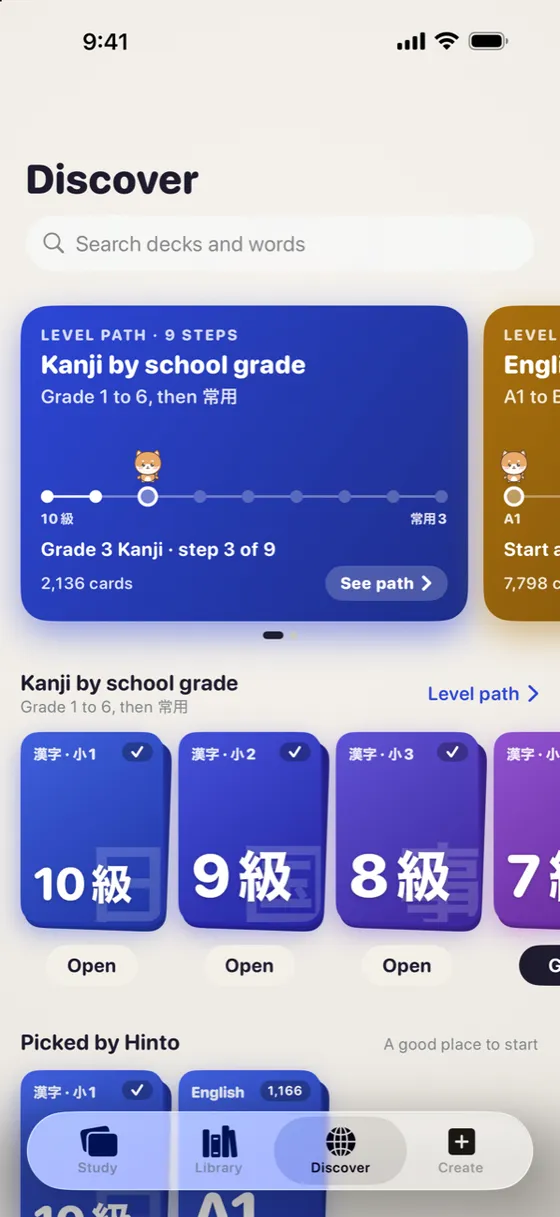
Or start with Hinto’s decks
Japanese vocabulary by level, and kanji by school grade (1–6), then every jōyō kanji. A level path shows where you are and what comes next. Learning English too? There are decks from CEFR A1 to B2.
A short run, every day
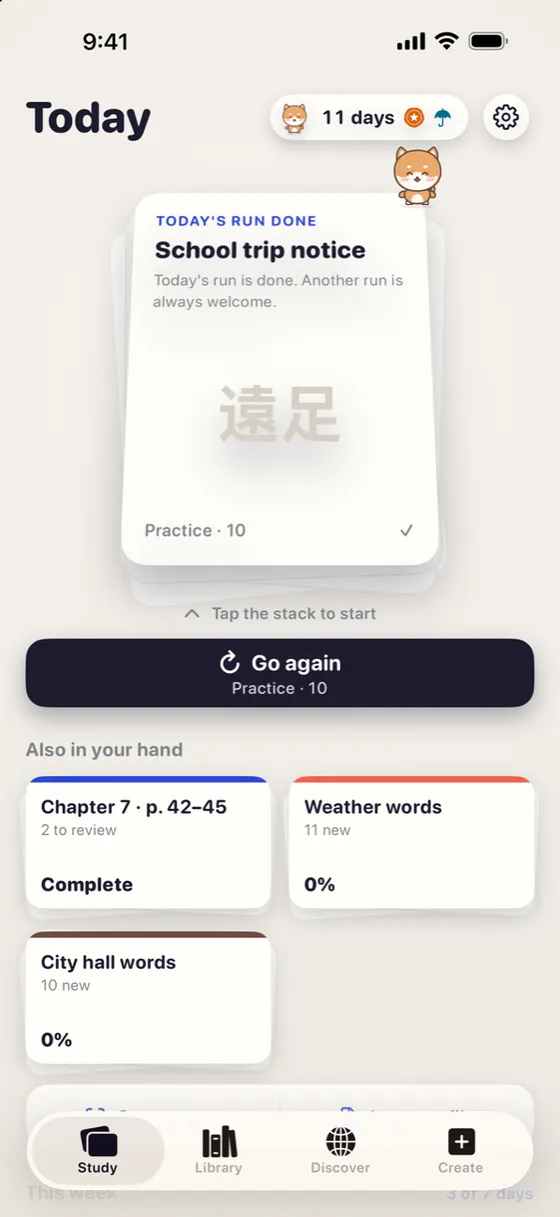
A little each day
Study a small run of cards: swipe right if you knew it, left if you forgot. Every day you study gets a stamp on your calendar. Took a day off? Your stamps stay. Just pick up again tomorrow.
Quiz cards
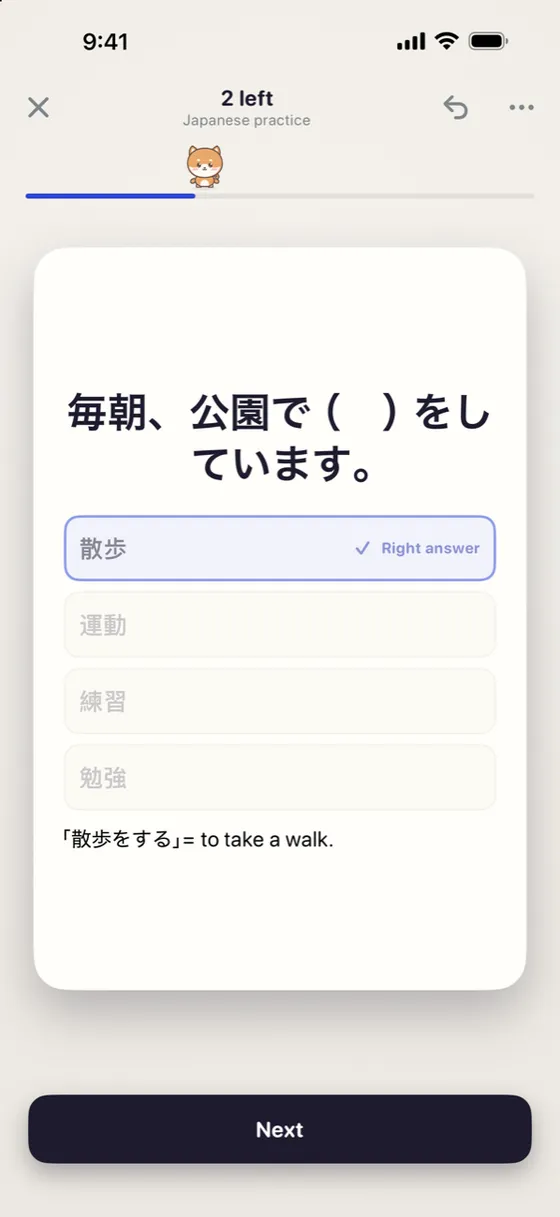
Multiple choice, exam style
A question like 毎朝、公園で( )をしています keeps its choices. Tap an answer and Hinto marks it for you. Good for any test with options.
Private by design
Your cards stay on your iPhone.
- No account. Nothing to sign up for.
- No tracking. No analytics, no ads tracking you.
- Read on your phone. Pages are read on your iPhone, not on a server.
- You decide what leaves. A deck leaves your phone only when you share it.
A look inside
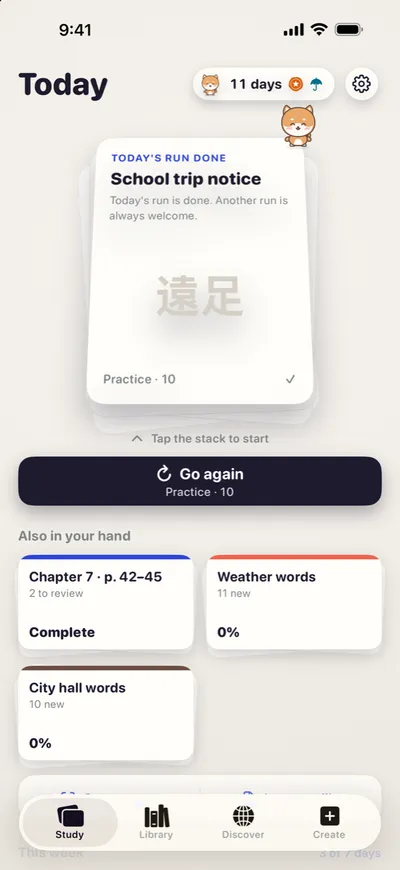
Today's stack
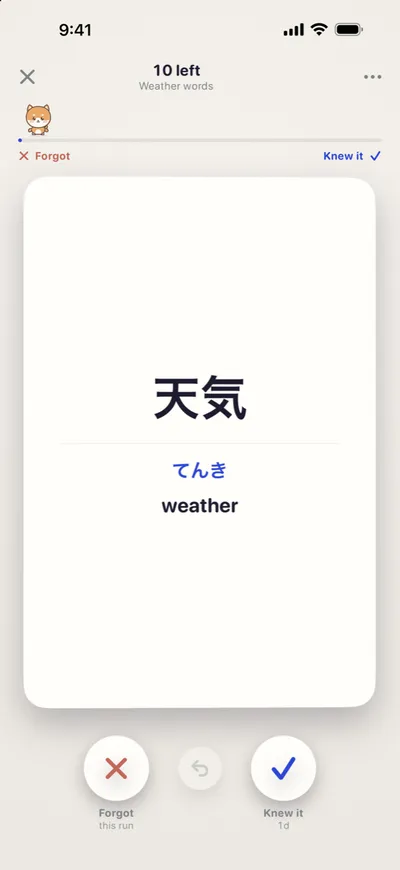
Flip, then swipe
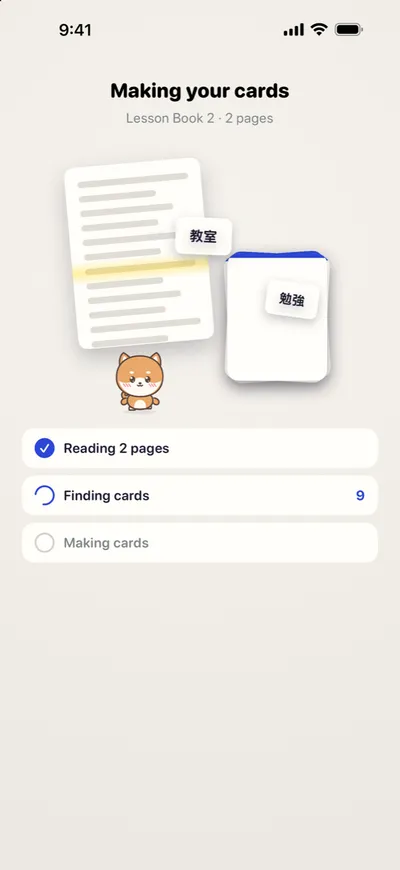
Reading your pages
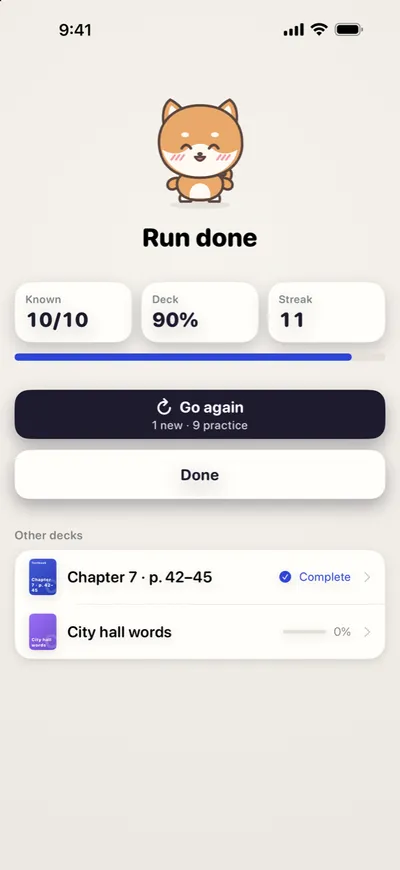
Run done
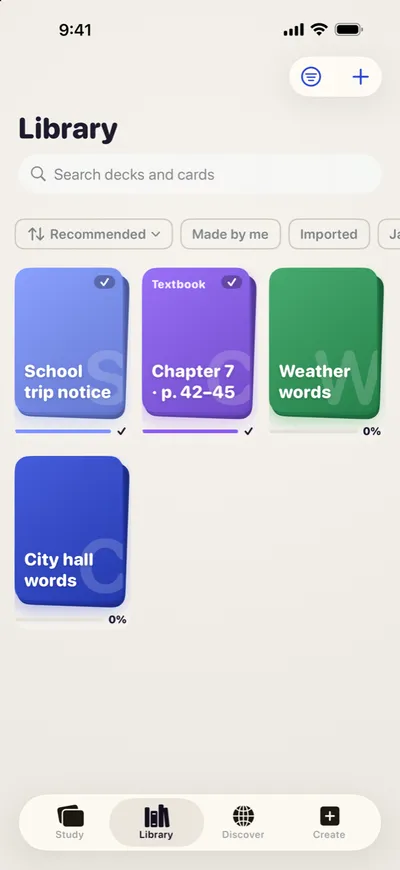
All your decks
Pick a buddy and start with one page.
Kotaro, Pochi or Kai will keep you company, a few cards at a time.
Coming soon to the App Store
Free on iPhone. Requires iOS 17 or later.